As FragPunk enters its second year of competitive play, the colorful 5v5 hero shooter continues to attract a steady stream of players from established tactical FPS titles. Many of these newcomers hail from Valorant, drawn in by FragPunk's fast-paced gunplay and the unpredictable Shard Card system. But after leaping into their first few matches, a common complaint emerges: the aim sensitivity feels strangely off, even after carefully pasting over every number from their Valorant settings. Why does a direct copy-paste not deliver the same muscle memory? The answer lies in the different way each engine scales mouse movement.
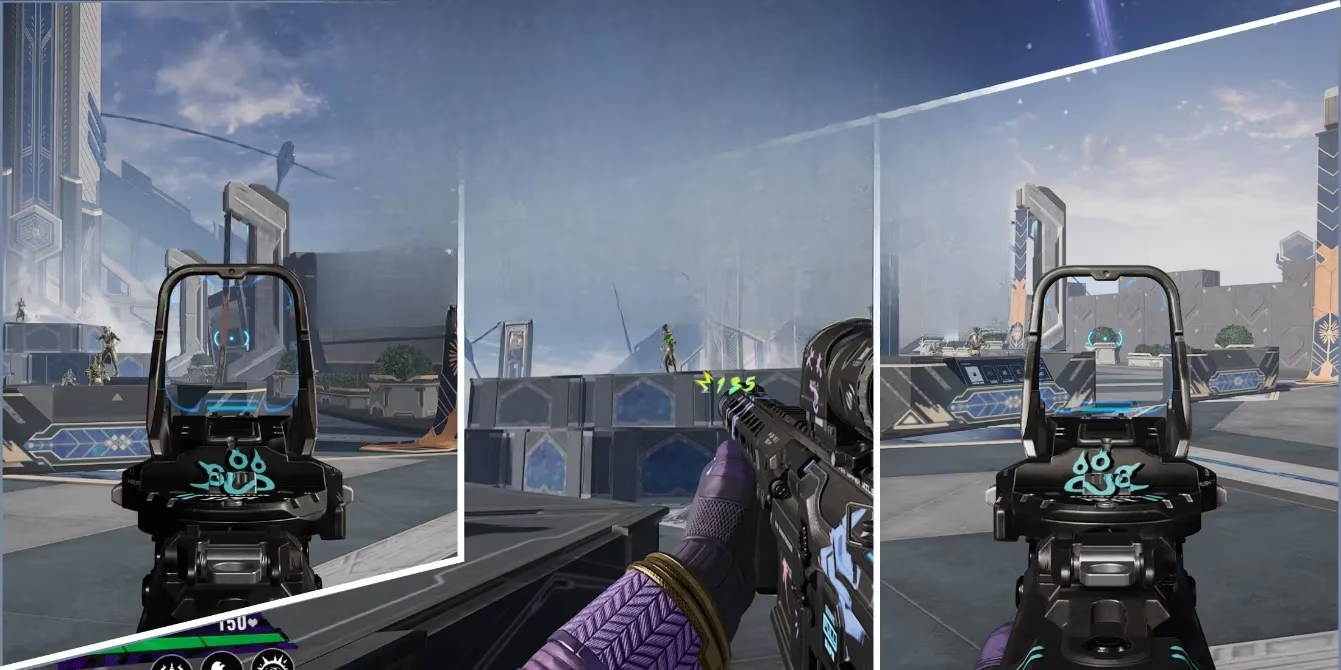
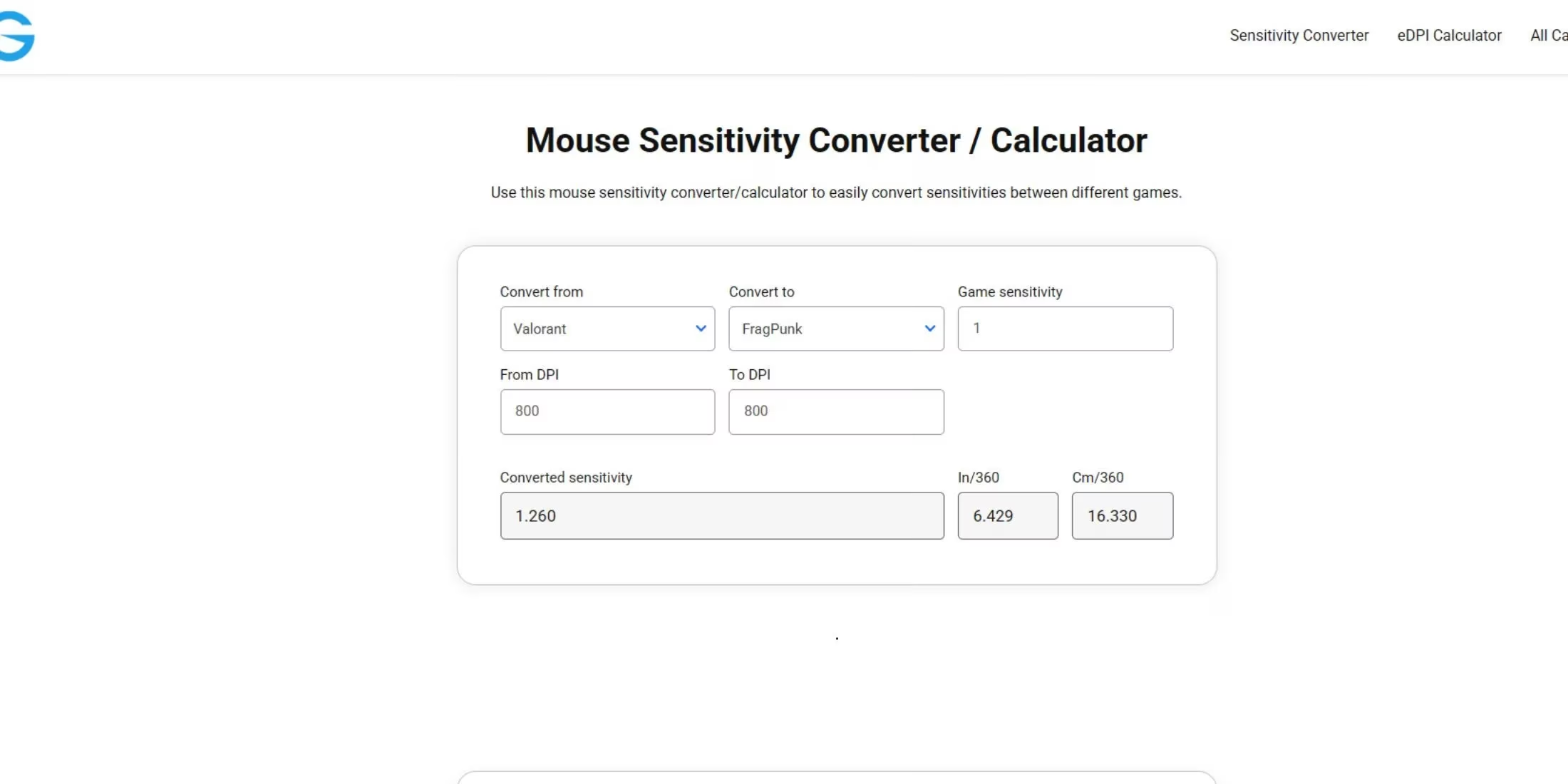
Sensitivity is the bedrock of any first-person shooter. It dictates how many degrees your in-game view rotates for a given physical movement of your mouse. A well-tuned sensitivity lets a player flick to a target as naturally as they would point a finger. If the scaling differs between games, however, that instinctive connection breaks. When transitioning from Valarant to FragPunk, the numbers printed on the slider mean different things. The core discovery is refreshingly straightforward: the official sensitivity conversion ratio is 1.26. That is, a Valorant sensitivity value of 1.0 corresponds exactly to a FragPunk sensitivity of 1.26. The calculation for any personal setting becomes simple multiplication. For example, a Valorant sensitivity of 0.5 translates to 0.63 in FragPunk (0.5 × 1.26). If you prefer a higher setting of 0.8 on Viper’s contract, you would dial in 1.008 in the new game. If you are a wrist aimer running at 2.5 in Valorant, your FragPunk number jumps to 3.15.
Does this conversion truly guarantee a 1:1 feel? Not entirely by itself, because the field of view, monitor distance coefficient, and even resolution scaling can also play subtle roles. But matching the sensitivity via this multiplier eliminates the most significant variable and will make your crosshair movement feel instantly more familiar. Sudden overcorrections and clumsy spray transfers should begin to fade as soon as the correct number is applied.
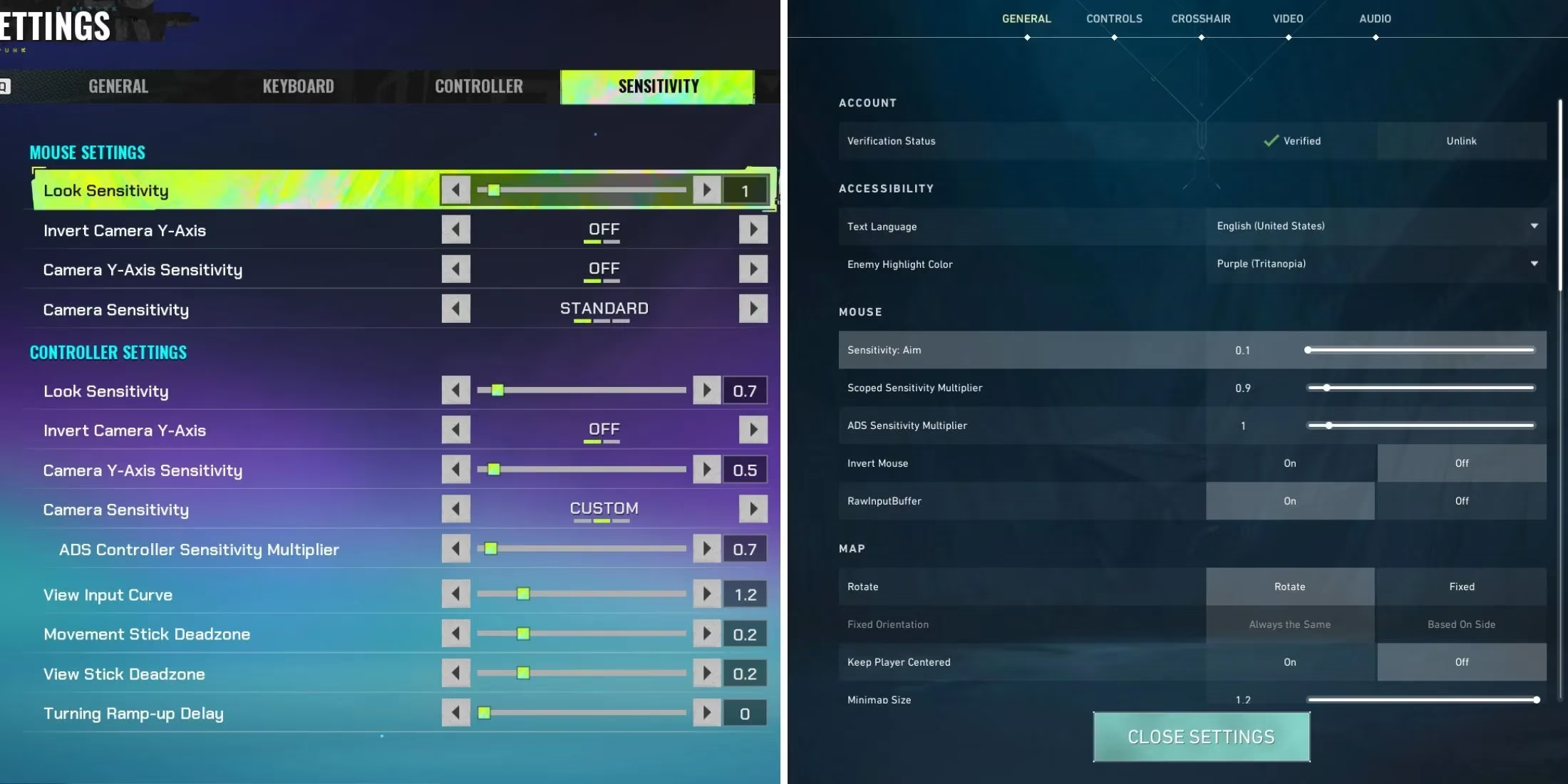
To put this into practice, boot up FragPunk and navigate to the Settings menu. Open the Sensitivity tab—usually found under Controls. Here you will see a Look Sensitivity slider associated with your mouse (or controller if you are using a gamepad, though mouse conversion is what most competitive players need). Clear the entire field and type in the product of your Valorant sensitivity and 1.26. For instance, if you used 0.47 in Valorant, you would enter 0.5922. Most pros recommend keeping your mouse DPI untouched between games; do not complicate things by altering hardware settings at the same time. Once saved, launch a deathmatch or head into the practice range to test. The immediate improvement is often dramatic—it can feel like slipping back into a well-worn glove. Headshots that previously demanded an extra micro-adjustment will start clicking into place.
But what if manual arithmetic sounds tedious, or you have migrated not from Valorant but from Counter-Strike 2, Rainbow Six Siege, or even Overwatch 2? Carrying over sensitivity from one title to another without a reliable multiplier can be a headache. Here a supplementary approach helps: online sensitivity converters. These tools let you drop in your current game, your exact sensitivity, your mouse DPI, and your target game, then spit out the ideal setting. In 2026, a handful of these converters have grown quite accurate, with some even accounting for unique FOV scaling schemes. One well-regarded and user-friendly option remains the converter built by Gaming Smart, which handles dozens of titles and does not require installs or hidden profile data. The process is simple: input Valorant (or your donor game) on the left, FragPunk on the right, match your DPI, and read the suggested number. Does your gut say the recommended setting feels a hair too fast or slow? Then treat the output as a starting point and tweak by increments of 0.01 until you find your sweet spot.
Beyond the raw numbers, 2026 has seen FragPunk’s development team lean further into the competitive scene. With seasonal balance patches and new lancer abilities, the meta keeps evolving. Having a correctly transferred sensitivity now means you can focus on learning those Shard Card combos and map callouts without fighting your own aim. It also makes it easier to bounce back and forth between Valorant and FragPunk as new battle passes and acts release. Muscular memory is a precious resource; the 1.26 multiplier is your passport to preserving it.
A final note for high-skill players: some of you may have already been using raw mouse acceleration tools or custom curves in Valorant. These software solutions do not cross over unless you apply them globally. In that case, set FragPunk to match your base Valorant sensitivity via the 1.26 rule, then layer your acceleration profile on top if the engine allows it. There is no universal answer for every hardware setup, but the core ratio remains constant. Tomorrow, as you queue into a ranked Shard Run, remember that the only thing standing between an enemy ace and your clean one-tap might be a single decimal point. Adjust it, verify with a few practice rounds, and let instinct take over.